
Start with a fictional character and choose three details you could recognize in an image. DreamGF’s public FAQ describes appearance and personality customization. Keep the appearance brief specific enough to inspect when you see a portrait, and keep the conversational traits in a separate line.
Describe a person the story can use
Imagine an adult botanist at a fictional station. The visual anchors are short silver hair, square glasses and a dark olive field jacket. The personality note says the botanist gives patient, precise directions. The first note describes what can appear in an image. The second describes how they should speak.
Use the anchors you can verify by looking. If the jacket must stay recognizable, give it a color and broad shape before adding background detail. A note that only says “professional” leaves both the pose and styling open.
Review the result before adding more details
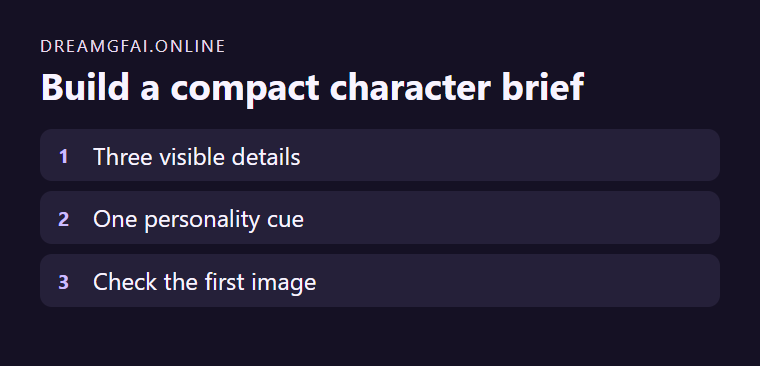
Check the three anchors on the first acceptable portrait. If the jacket glows bright green, adjust the color phrase before changing the hair, glasses and background together. If two anchors conflict with the style you requested, simplify the brief so you can see which one carries the character.
Keep real names, personal addresses and images of real people out of your fictional design. DreamGF’s privacy notice describes information you provide to the service and how it may be processed. Save the working brief locally as a short description you can read back. That leaves you with a reusable character design even if controls or output vary.