
Identify the account field and the correction you want. DreamGF’s privacy policy describes personal information associated with your profile and its contact routes. The separate deletion strategy concerns content removal. A request to correct a personal profile field should make the account record easy to distinguish from a character or conversation.
Describe where you saw the error
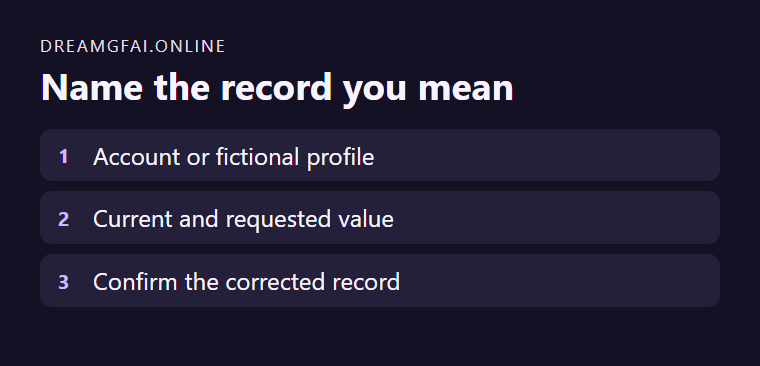
Suppose the account profile has the wrong display name and an original fictional character uses a similar nickname. Write “account profile display name,” state where the incorrect value appears and provide the correct value through the applicable support or privacy channel. Mention the fictional profile only if it helps separate the two fields.
Keep the request narrow. Share a cropped view of the relevant account setting if needed, with the rest of the page hidden. A screenshot of a conversation can introduce more personal details without identifying the account field that needs correction.
Confirm the field after the update
If you receive a confirmation, reopen the account area using your normal sign-in route. Check the exact field and time. If the fictional character changed instead, refer to your original field description and request reference. Clarify the record before asking anyone to make a second change.
Keep the old value and confirmation in the private case note only as long as they are useful. A short, verifiable request gives the service enough context to correct the intended item and lets you tell whether the reported outcome matches it.